Connectors & Skills: How to Actually Control Your Empire
MCP is the part where Claude stops chatting and starts doing — Gmail, Airtable, Notion, Supabase, your whole stack, from one chat window.
There’s a wall most authors hit with AI. “This is cool, but it can’t actually touch my stuff.”
For a year that’s where I was. Claude could write a newsletter, but I still had to copy-paste it into Ghost. It could draft an email, but I had to open Gmail to send. It could reorganize my calendar, but I had to type every event. Every “AI workflow” was really me doing the boring 80% by hand.
MCP servers broke that wall. Skills finished the job.
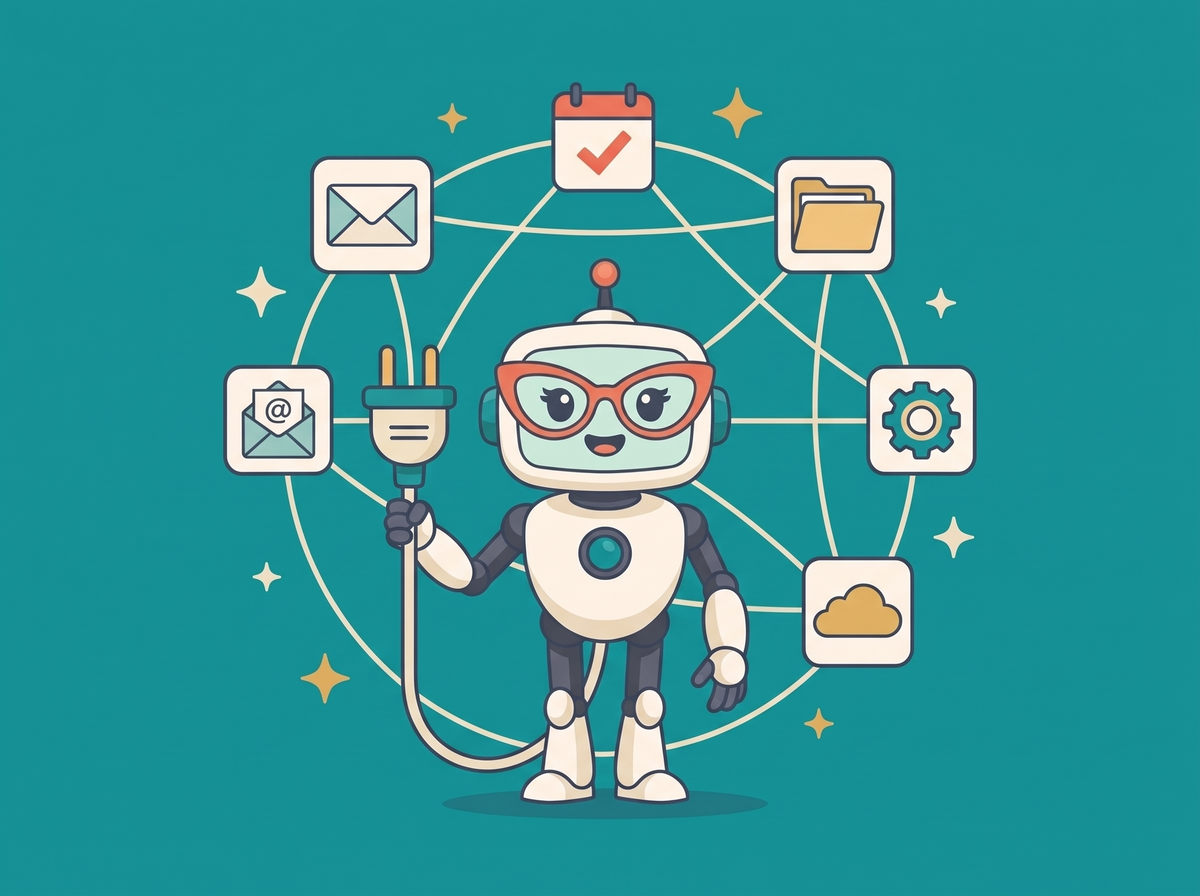
MCP (Model Context Protocol) is how Claude reaches into your actual tools — Gmail, Airtable, Notion, Google Drive, Supabase, your website, your calendar — and does things. Skills are the slash commands I build on top so I never have to re-explain a workflow. “/iam-blog draft a post about MCP” and it writes, publishes to Ghost, and schedules social. One line.
This session is the moment the summit turns from “AI helps me” to “AI runs this.”
In this session:
- What MCP actually is (in plain English, no jargon)
- Installing your first three servers — Gmail, Airtable, Google Drive
- Writing your first Skill — the slash commands that package your workflow
- Security — which servers to trust, which to sandbox, where to put keys
- The skill library I use daily, and how you’ll build your own
Best for: authors ready to stop copy-pasting between tools.
“My dogs are barking at the sound of my exploding brain!” — L.R.
“Just wow. Mind blown.” — M.G.
“I am speechless!” — S.O.
If session 8 cloned your brain, this session gives it hands.